Getting Started with BillingOne
BillingOne is PanelOne's dedicated billing and finance interface. It provides MSP finance teams with a focused view of subscriptions, invoices, reconciliation, and revenue analytics — without the operational noise of the main PanelOne dashboard.
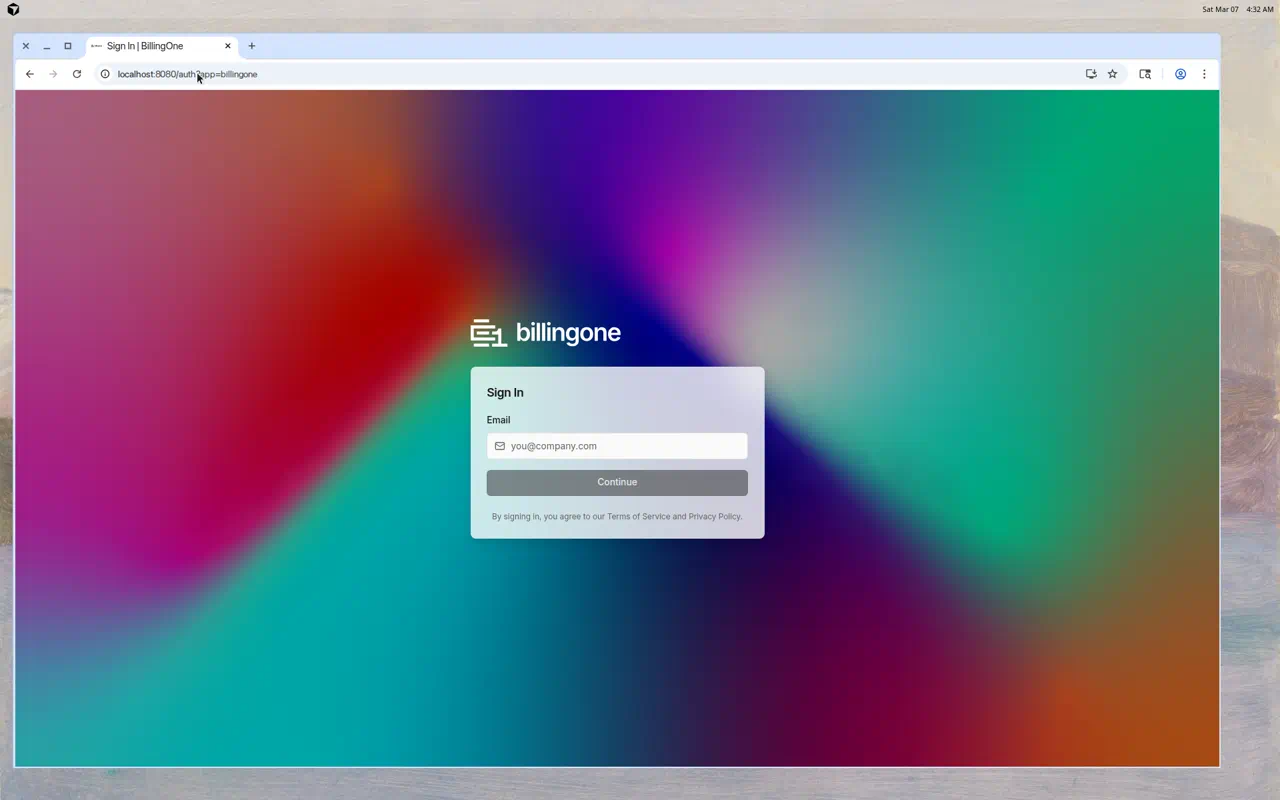
Accessing BillingOne
There are three ways to get to BillingOne:
| Method | How |
|---|---|
| Direct URL | Navigate to app.billingone.dev |
| Cross-app navigation | Use the app switcher in PanelOne's header |
| URL parameter | Add ?app=billingone to your PanelOne URL |
Your login session is shared between PanelOne and BillingOne — if you're already signed into PanelOne, you won't need to sign in again.
Signing In
- Go to BillingOne (see methods above)
- Enter your email address
- Click Continue
- Enter your password
- Click Sign In
You use the same credentials as PanelOne — there's no separate account.
First-Time Setup
When you first access BillingOne, the onboarding wizard helps you set up:
- Create your organization (if not already done in PanelOne)
- Select billing integrations — Choose Pax8, Xero, and/or Synergy Wholesale (for Domains & Hosting)
- Review your profile
- Complete setup
If you've already completed onboarding in PanelOne, BillingOne will use the same organization.
Navigating BillingOne
Sidebar
The left sidebar contains all BillingOne pages:
- Dashboard — Financial overview
- Subscriptions — Pax8 subscription management
- Invoices — Invoice tracking
- Reconciliation — License vs. device comparison
- Reports — Revenue analytics
- Clients — Per-client billing view
- Domains & Hosting — Synergy Wholesale domains, hosting, and SSL
- Settings — Integrations and account settings
Header
The top bar includes:
- Live indicator — Shows BillingOne is connected and up to date
- Search — Find subscriptions, clients, or invoices
- Notifications — System notifications
- User menu — Your account and sign out
Who Is BillingOne For?
BillingOne is designed for:
- Finance Managers — Track MRR, invoices, and revenue
- Billing Administrators — Manage subscriptions and reconcile licenses
- MSP Owners — Review financial health across all clients
Use the Finance role in PanelOne's team settings to give billing-only access to team members who don't need the full operational dashboard.
Switching Between Apps
To go back to PanelOne from BillingOne:
- Use the cross-app navigation link in the header
- Navigate directly to
app.panelone.dev
Your session carries over — no re-authentication needed.
Next Steps
- Connect Pax8 — Set up your subscription data source
- Connect Xero — Set up invoice syncing
- View the Dashboard — See your financial overview