Agreements
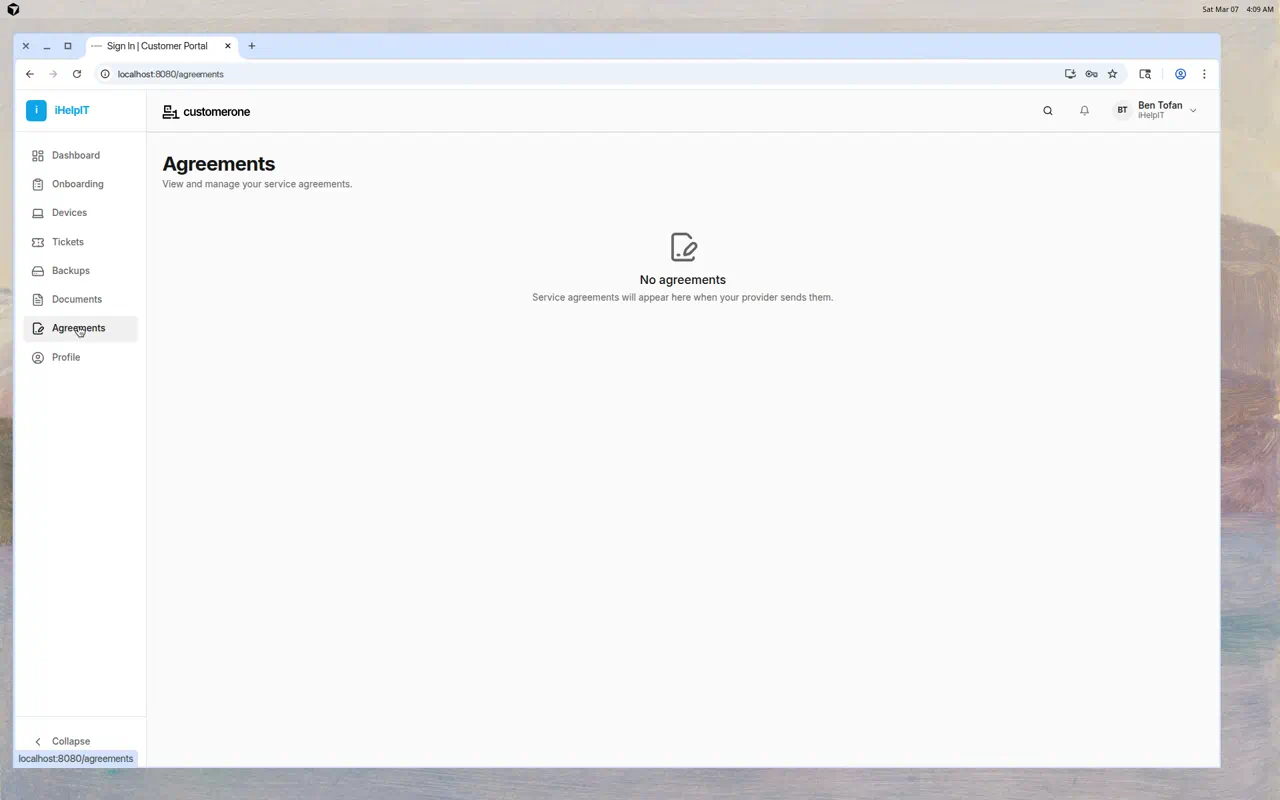
The Agreements page shows service agreements from your IT provider. These may include terms of service, service level agreements (SLAs), or other contracts that outline the services you receive.
What You'll See
Each agreement in the list shows:
- Agreement title — The name of the agreement
- Version — Version number (e.g., v1, v2)
- Date — When the agreement was sent, viewed, or signed
- Status — Current state of the agreement
Agreement Statuses
| Status | What It Means |
|---|---|
| Pending | The agreement has been sent to you but not yet reviewed |
| Viewed | You've opened and looked at the agreement |
| Signed | You've reviewed and signed the agreement |
| Declined | You've declined the agreement |
Reviewing an Agreement
- Click on any agreement in the list
- The full agreement text opens in a dialog
- Read through the agreement carefully
- You may be asked to sign or acknowledge the agreement
Signing an Agreement
When you're ready to accept an agreement:
- Open the agreement by clicking on it
- Read the full text
- Click the Sign or Accept button
- Your signature and timestamp are recorded
- The status changes to "Signed"
If You See "No Agreements"
This means your IT provider hasn't sent you any agreements yet. When they do, they'll appear here automatically.
Common Questions
Can I decline an agreement?
Contact your IT provider to discuss any concerns about agreement terms before declining.
Can I re-read a signed agreement?
Yes — click on any agreement (including signed ones) to view the full text at any time.
What if I have questions about the agreement?
Submit a support ticket or contact your IT provider directly to discuss agreement terms.
Tips
- Review agreements promptly — Your IT provider may be waiting for your acknowledgement before proceeding with services
- Read carefully — These documents outline what services you'll receive and the terms of your relationship
- Keep your own records — Consider saving a copy of signed agreements for your files