Documents
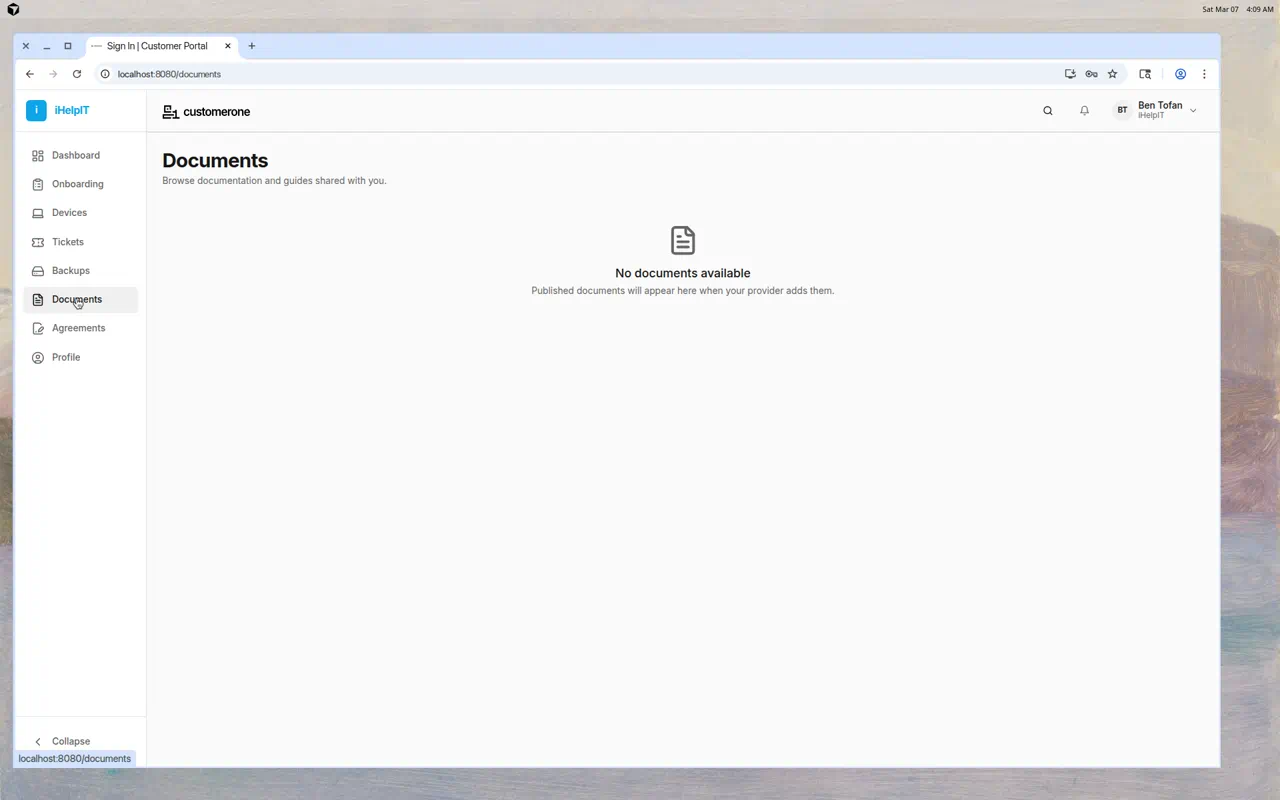
The Documents page contains guides, how-to articles, and other documentation that your IT provider has shared with you. Think of it as your knowledge base for IT-related topics.
What You'll See
Documents are listed with:
- Document title — The name of the guide or article
- Category — What topic the document covers (if categorized)
Click any document to read its full content.
Reading a Document
- Click on a document title in the list
- The full document opens with formatted text, images, and links
- Use your browser's back button or the sidebar to return to the document list
Types of Documents
Your IT provider may share various types of documentation:
- Getting Started Guides — How to use specific tools or services
- FAQ — Answers to frequently asked questions
- How-To Articles — Step-by-step instructions for common tasks
- Service Descriptions — Information about what services are included in your plan
- Security Guidelines — Best practices for keeping your accounts safe
- Policy Documents — IT policies for your organization
If You See "No Documents Available"
This means your IT provider hasn't published any documents for you yet. As they create guides and documentation, they'll appear here automatically.
Tips
- Check documents before submitting a ticket — Your question might already be answered here
- Bookmark important articles — Use your browser's bookmark feature for guides you reference often
- Suggest new documents — If there's a topic you'd like a guide for, let your IT provider know via a support ticket