Onboarding
When you first start working with your IT provider, they may set up an onboarding process for you. This is a step-by-step checklist that guides you through the initial setup of your IT services.
How Onboarding Works
Onboarding is a guided process with several steps. Your IT provider designs the steps based on what they need from you to get started. Common onboarding steps include:
Welcome Step
An introduction message explaining what to expect during the onboarding process.
Agreement Step
Review and sign a service agreement before proceeding.
Information Form
Fill in details your IT provider needs, such as:
- Company information
- Contact details
- Technical requirements
- Preferences
Checklist Step
Complete a checklist of tasks, such as:
- Confirm you've received login credentials
- Verify you can access email
- Test your VPN connection
Document Review
Read and acknowledge important documentation.
Completion Step
A confirmation that onboarding is complete, with next steps.
Completing Onboarding
- You'll see an onboarding banner on your Dashboard if you have pending steps
- Click Start (first time) or Continue (if you've already begun)
- Work through each step:
- Read any information presented
- Fill in required fields
- Check off completed items
- Sign any agreements
- Click Next to advance to the following step
- When you complete all steps, your onboarding is marked as finished
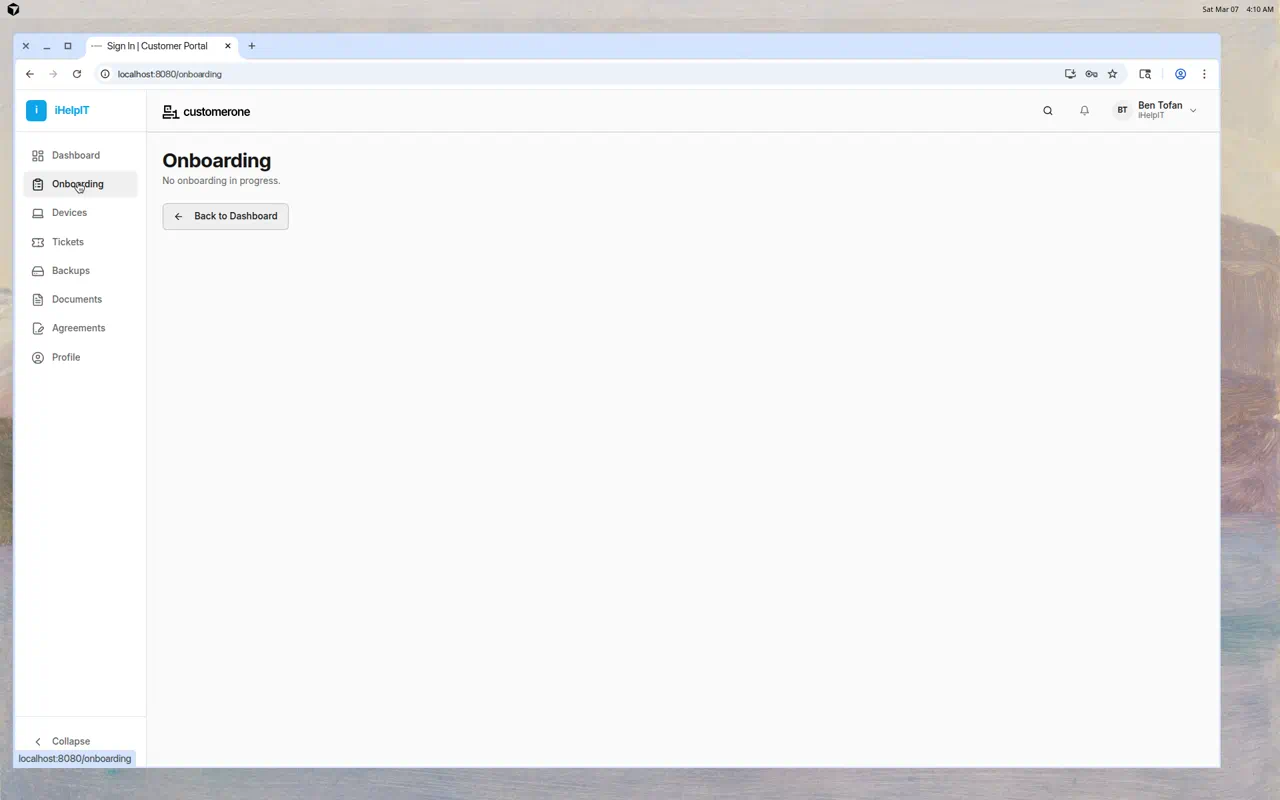
If You See "No Onboarding in Progress"
This means either:
- Your IT provider hasn't set up an onboarding process for you
- You've already completed onboarding
You can click Back to Dashboard to return to the main page.
Tips
- Complete onboarding as soon as possible — Your IT provider may be waiting for you to finish before they can set up additional services
- Be thorough — Fill in all requested information accurately
- Don't rush through agreements — Read them carefully before signing
- Ask questions — If a step is confusing, submit a ticket or contact your IT provider